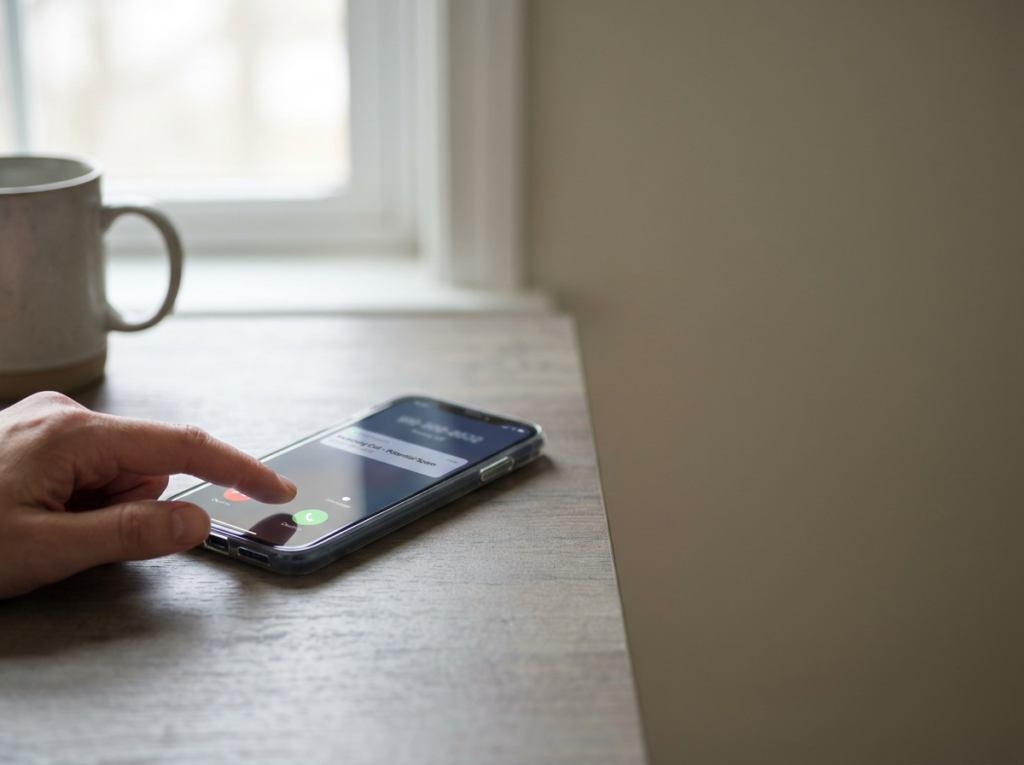


Most people have gotten them: “urgent” car warranty calls, debt relief pitches, political robocalls, or nonstop marketing texts. Some of these contacts are legal. Many are not. The key is knowing what the law generally prohibits and how to document the pattern.
This post explains the basics of the Telephone Consumer Protection Act (TCPA) in plain English and gives you a practical documentation plan.
What is the TCPA?
The TCPA is a federal law that restricts certain telemarketing calls and texts, especially those made using automated systems or prerecorded/artificial voice messages.
Because TCPA rules can be technical and fact-specific, documentation is critical.
Common situations that may raise TCPA issues
- Repeated marketing calls to your cell phone using a prerecorded message
- Marketing texts sent in bulk or through automated platforms
- Calls after you asked the company to stop
- Calls to numbers on the National Do Not Call Registry (in some situations)
- Calls meant for someone else that keep coming after you notify them
Consent is the battleground
A lot of TCPA disputes come down to consent:
- Did you give your number?
- Did you agree to receive marketing calls/texts?
- Did you revoke consent?
Companies often argue you “consented” by entering your number online, checking a box, or signing a form. That’s why screenshots and timestamps matter.
Your practical documentation plan
1) Start a call/text log
Use a notes app or spreadsheet and track:
- Date and time
- Phone number (or “unknown”)
- Whether it was a call or text
- What was said (brief summary)
- Any keywords (“warranty,” “debt relief,” “insurance,” etc.)
- Whether you asked them to stop
2) Screenshot texts (and keep the full thread)
Take screenshots that show:
- The phone number or sender
- The date/time
- Your “STOP” or opt-out message (if you sent one)
- Any response from the sender
3) Save voicemails
If you get prerecorded messages, save them. Many phones allow you to share/export voicemail audio.
4) Capture how you may have “consented”
If you suspect the calls started after an online form:
- Screenshot the webpage where you entered your number
- Save confirmation emails
- Note the company name and URL
5) Don’t click suspicious links
For safety, avoid clicking links in spam texts. Document them with screenshots instead.
What to do when you want the calls to stop
- Tell the caller clearly: “Do not call/text me again.”
- Use opt-out keywords (like “STOP”) for texts when appropriate
- Add your number to the National Do Not Call Registry (if you haven’t)
- Block numbers, but keep evidence first (blocking can reduce future proof)
Common mistakes
- Deleting messages before saving screenshots
- Only tracking a few incidents (patterns matter)
- Assuming “it’s just annoying” and not documenting
- Mixing legitimate account alerts with marketing without separating them
If you’re being bombarded with robocalls or spam texts, Ginsburg Law Group, PC can review your call/text history and help you understand whether the TCPA may apply. Contact the firm for a straightforward evaluation and next-step guidance.