

Unwanted robocalls and spam texts aren’t just annoying—they can be unlawful in certain situations. The Telephone Consumer Protection Act (TCPA) is one of the key federal laws that may apply.
The challenge for most people isn’t understanding the law. It’s proving what happened. Here’s a practical, consumer-friendly way to build a “proof file.”
What the TCPA is (in plain English)
The TCPA restricts certain calls and texts, especially those involving:
- Autodialed or prerecorded calls
- Marketing calls/texts
- Calls/texts to cell phones without proper consent
The details depend on the facts. Your documentation helps determine whether the law applies.
Step-by-step: build your TCPA proof file
Step 1: Create a dedicated folder
Use:
- A phone album called “Spam Calls/Texts,” or
- A cloud folder labeled by company name
Step 2: Capture screenshots the right way
For texts:
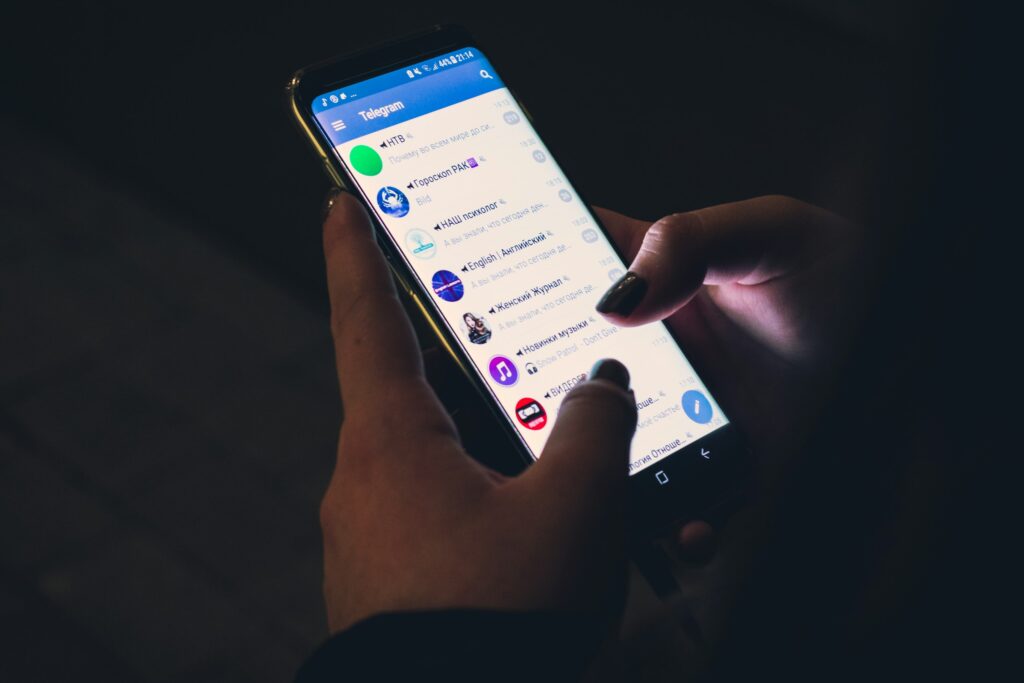
- Screenshot the full thread (include the phone number)
- Capture any opt-out language (“Reply STOP”)
- Screenshot your STOP reply (if you sent it)
For calls:
- Screenshot your call log showing date/time and number
- If your phone labels it as “Spam,” capture that too
Step 3: Write a short log entry each time
Include:
- Date/time
- Number used
- What the message said
- Whether it was marketing, debt-related, or informational
- Whether you had any prior relationship with the business
Step 4: Save voicemails
Voicemails can show prerecorded content.
Step 5: Document consent (or lack of it)
If you did provide your number at some point, note:
- Where you provided it (website form, store, loan application)
- Whether you checked a marketing consent box
- Whether you later revoked consent
Step 6: Don’t click links
From a safety perspective, avoid clicking suspicious links. Screenshot instead.
Practical checklist: what to gather before you call a lawyer
- Screenshots of at least 10–20 recent calls/texts (more is better)
- The full text thread(s)
- Notes on how you think the company got your number
- Any opt-out attempts
- Any prior account relationship (if applicable)
Common mistakes
- Deleting texts because they’re annoying
- Only saving one example (“it happens all the time”)
- Forgetting to capture the phone number in the screenshot
- Not tracking opt-out attempts
If robocalls or spam texts are disrupting your day, you may have options. Get a free case evaluation with Ginsburg Law Group, PC and we’ll help you understand whether your situation may fall under the TCPA.