

If you’re getting repeated spam calls or texts—especially after you asked them to stop—you’re not alone. The Telephone Consumer Protection Act (TCPA) is one of the main federal laws that can apply to certain robocalls and automated texts.
This post focuses on one thing: what to save so you can get a clear legal review later.
Why evidence matters in TCPA cases
Many TCPA questions come down to:
- Who sent the calls/texts
- Whether an automated system was used
- Whether you consented (and whether you revoked consent)
- How many calls/texts occurred and when
Your TCPA evidence checklist
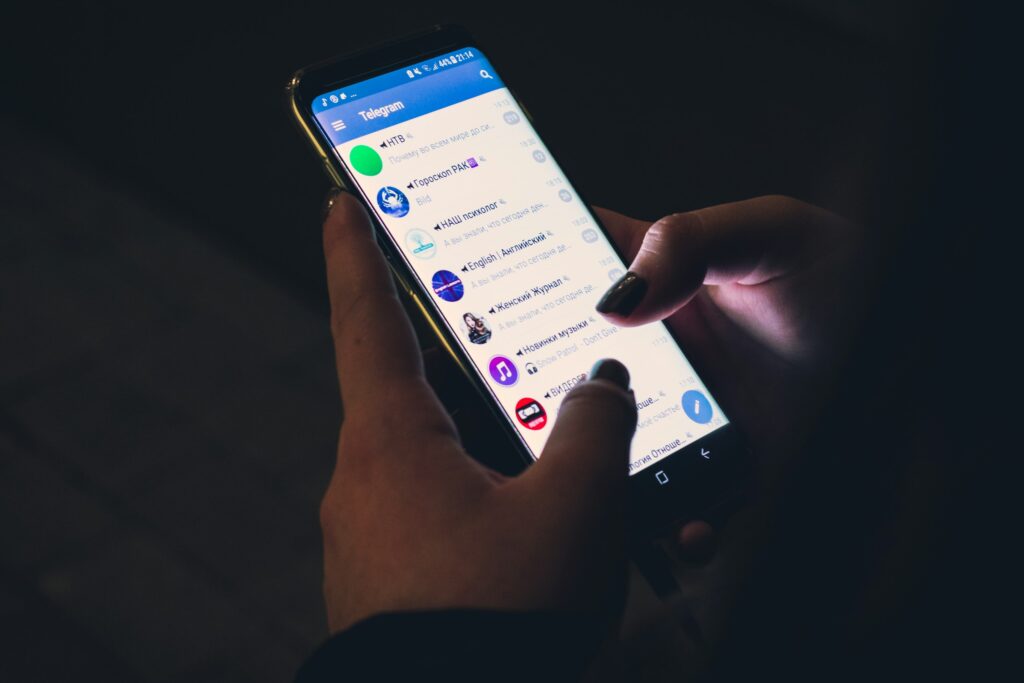
1) Screenshot your call history and text threads
- Capture the phone number(s)
- Capture dates and times
- Capture the full thread (scroll screenshots)
2) Save voicemails
Voicemails can show:
- A prerecorded message
- A pattern of repeated attempts
- The company identity (sometimes)
3) Write down how you may have “consented”
Common consent sources:
- Online forms (quotes, sweepstakes, lead forms)
- Warranty registrations
- Medical appointment systems
- Debt/credit applications
- “Contact me” checkboxes
If you remember the website or company, note it—even if you’re not sure.
4) Document your stop requests
If you replied “STOP,” asked them to stop calling, or revoked consent:
- Screenshot the message
- Note the date/time
- Save any confirmation response
5) Identify the sender (carefully)
Sometimes the number is spoofed. Helpful items include:
- Any company name mentioned
- Website links (don’t click suspicious links—screenshot them)
- Call-back numbers provided in voicemail
What not to do
- Don’t install unknown apps suggested by a spam text
- Don’t click links that look suspicious
- Don’t assume every unwanted call is a TCPA case—facts matter
Quick “today” action plan (10 minutes)
- Create a folder in your phone photos called “Spam Calls/Texts”
- Take screenshots of the last 20 calls and the worst text thread
- Save voicemails from the same sender
- Write a one-paragraph note: when it started, how often, and any stop requests
If you’re overwhelmed by constant robocalls or texts, Ginsburg Law Group, PC can review your screenshots and timeline and explain whether the TCPA or other consumer laws may apply. Contact us for a case evaluation.