

If your phone feels like it’s constantly buzzing with spam calls or marketing texts, you’re not alone. Many consumers ask whether there’s anything they can do besides blocking numbers.
The Telephone Consumer Protection Act (TCPA) is a federal law that restricts certain robocalls and text messages—especially those made with automated technology or without proper consent.
This post is about building a practical TCPA proof kit: what to save, how to track it, and what information helps an attorney evaluate whether the messages may violate the law.
What kinds of calls/texts are commonly involved?
TCPA issues often come up with:
- Marketing texts from lead generators
- Auto warranty “offers”
- Debt relief or credit repair marketing
- Medical alert device promotions
- Political or survey calls (rules can differ)
- Calls to a cell phone using automated dialing systems
Not every unwanted call is illegal, and consent can be complicated. Documentation helps clarify what happened.
Step 1: Capture the basics (your TCPA log)
Start a simple log with:
- Date and time of each call/text
- Phone number it came from (or short code)
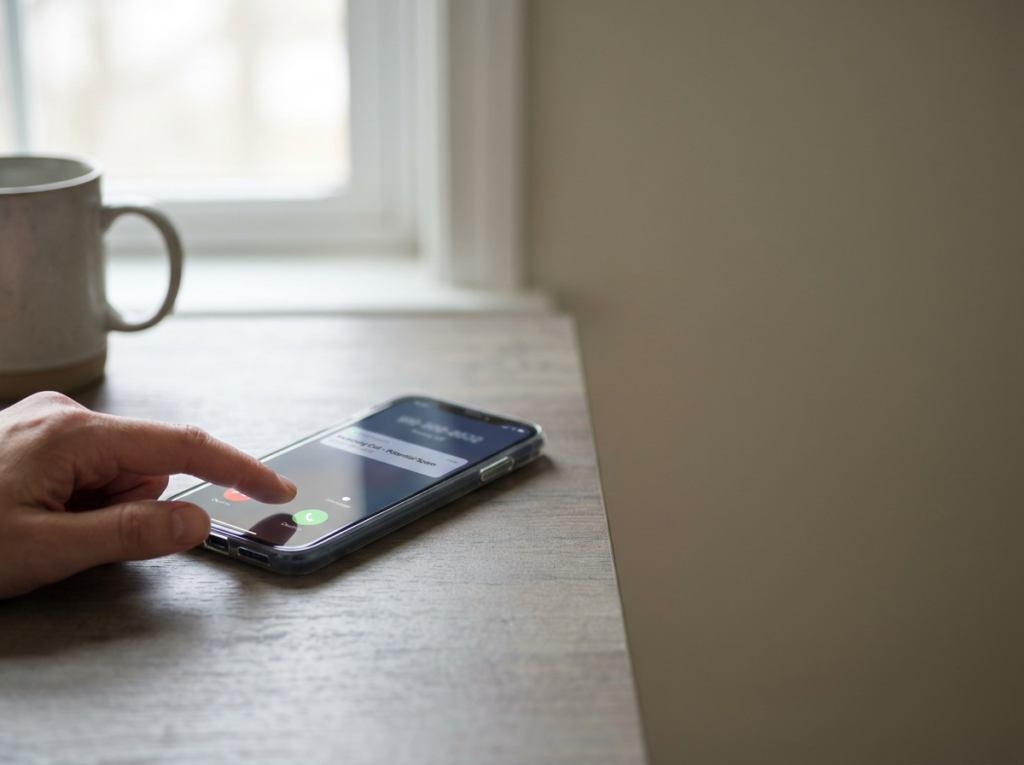
- Screenshot of the message (for texts)
- Whether you answered, and what you heard
- Any company name mentioned
- Whether you ever did business with them
If you get multiple messages in a day, log them as separate entries.
Step 2: Save proof of consent—or lack of consent
Consent is often the key issue. Save anything that shows:
- You never provided your number to that company, or
- You provided it for a limited purpose (not marketing), or
- You revoked consent
Helpful items include:
- Screenshots of the website form where you entered your number (if you have it)
- Copies of emails confirming a purchase or account creation
- Screenshots showing you replied “STOP” (if applicable)
- Notes about when you asked them to stop calling
Step 3: Don’t delete voicemails
Voicemails can show:
- The pitch used
- The company name (sometimes)
- Whether it sounds pre-recorded
Save them. If your phone allows it, export or back them up.
Step 4: Watch for “lead generator” patterns
Many consumers don’t recognize the company texting them because their number was shared through:
- Online sweepstakes entries
- Quote comparison sites
- “Check your eligibility” forms
- Social media ads leading to a form
If you remember filling out a form, write down:
- The website or ad you clicked
- The date/time
- What you thought you were signing up for
What to document (TCPA checklist)
- Screenshots of each text thread
- Screenshots of your blocked/filtered call list
- Call history showing frequency
- Any “STOP” or opt-out attempts
- Any emails or web confirmations tied to your number
- Notes about how you believe they got your number
Practical steps you can take right now
- Use your phone’s spam-blocking features
- Don’t click links in suspicious texts
- If it’s safe, reply “STOP” to marketing texts (but avoid engaging with obvious scams)
- Keep your log updated for at least a few weeks if the messages are ongoing
If you’re dealing with repeated robocalls or marketing texts, Ginsburg Law Group, PC can review your screenshots and call logs and help you understand whether the TCPA may apply to your situation.
This article is general information, not legal advice. Legal rights depend on the facts, consent history, and applicable law.