
The quick idea
The Telephone Consumer Protection Act (TCPA) can protect consumers from certain unwanted calls and texts—but the power move is evidence: screenshots, timestamps, and proof you didn’t consent (or that you revoked consent).
What the TCPA generally targets
In plain English, the TCPA is a federal law that can limit:
- Certain automated calls (“robocalls”)
- Certain automated or mass text messages
- Certain calls to cell phones using an autodialer or prerecorded voice (depending on the facts)
TCPA cases are fact-specific. The goal here isn’t to promise results—it’s to help you document what happened so a lawyer can evaluate it.
Step 1: Create a clean call/text timeline
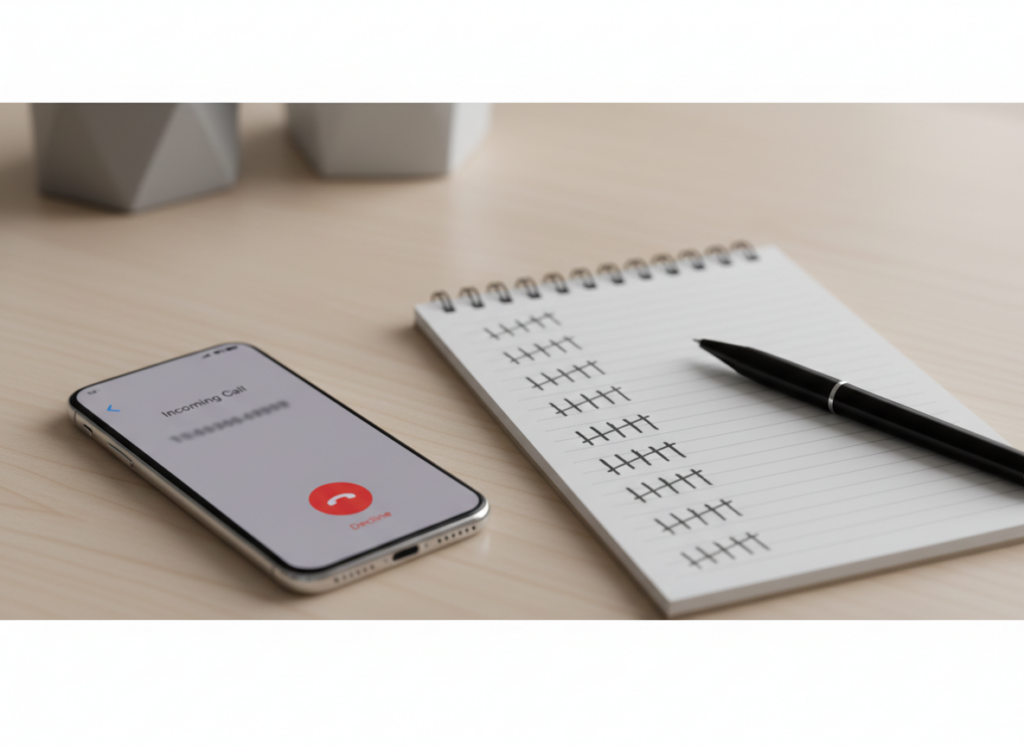
Start a log and keep it updated.
Include:
- Date and time of each call/text
- The phone number used
- Whether it was a call or text
- What the message said (copy/paste into your notes)
- Whether you answered and heard a prerecorded message
- Whether you ever gave consent (and when)
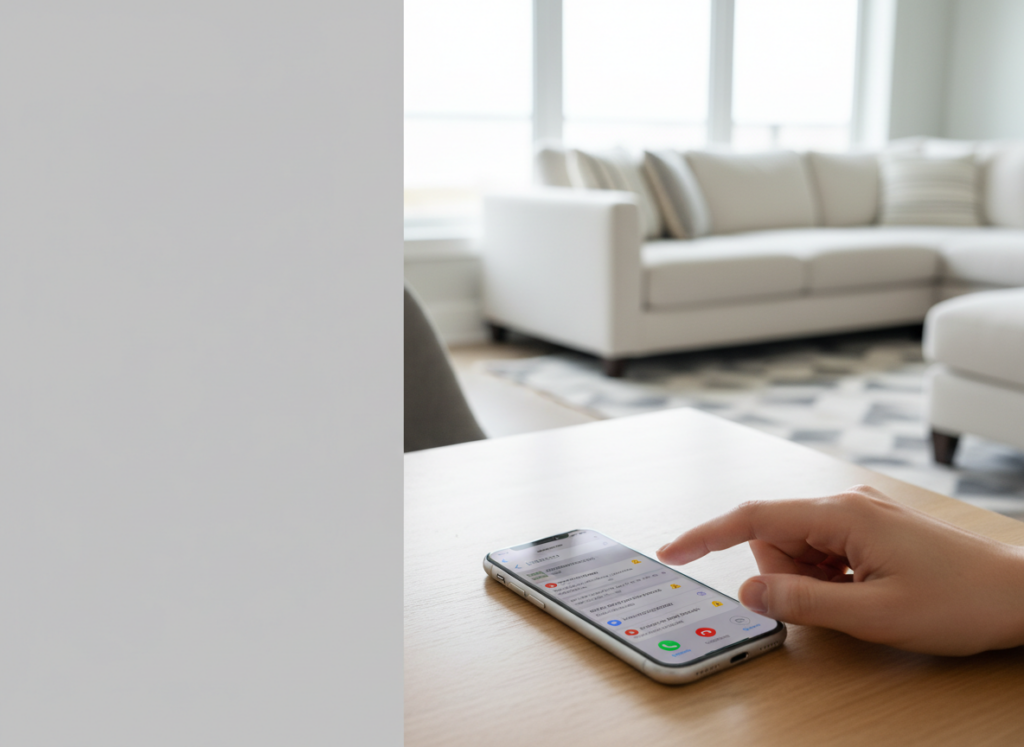
Step 2: Take screenshots the right way
Screenshots are helpful, but make them usable:
- Capture the full phone number (if shown)
- Capture the date/time stamp
- Capture the message content
- Take multiple screenshots if needed (don’t crop out the context)
If your phone groups texts into threads, screenshot the thread showing the pattern.
Step 3: Document consent (or lack of consent)
A lot of TCPA disputes turn on consent.
Helpful items include:
- The webpage or form where you entered your number
- Any checkbox language (marketing consent, terms)
- Confirmation emails or receipts
- Screenshots of the “opt-in” language (if you can find it)
If you told them to stop
Document that too:
- Screenshot your “STOP” reply
- Save any confirmation response
- Note if messages continued after you opted out
Step 4: Watch for “wrong number” patterns
If you’re getting calls for someone else:
- Save messages that name the other person
- Note how many times you told them it’s the wrong number
- Document whether they kept calling anyway
Step 5: Don’t accidentally delete the evidence
- Turn off auto-delete for messages if your phone has it.
- Back up screenshots to a secure folder.
- Avoid changing phones without transferring data.
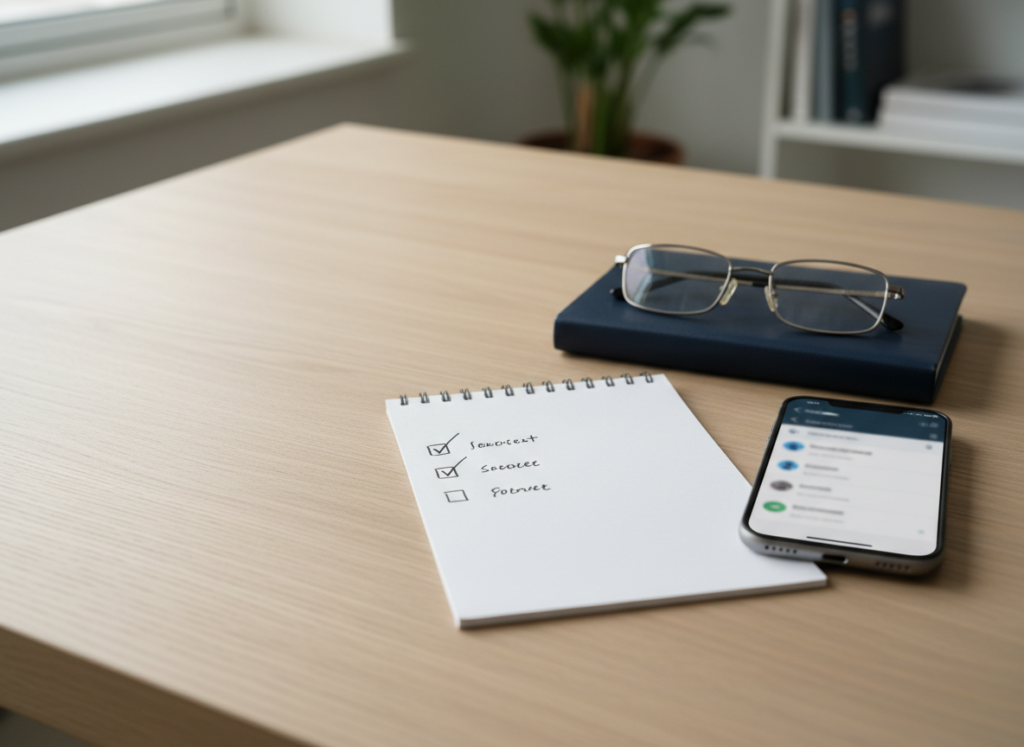
A practical checklist: What to bring to a TCPA consult
- Screenshot folder (organized by date)
- Call log export (if available)
- Notes on consent source (what form, what purchase, what relationship)
- Any opt-out messages and confirmations
- Any voicemails (download if possible)
Soft next step
If you’re being hit with repeated robocalls or texts, a short review can clarify whether the TCPA or other consumer protection laws may apply. Ginsburg Law Group, PC can look at your screenshots and timeline and help you understand your options.